Microsoft Ergonomic Keyboard Acting Weird
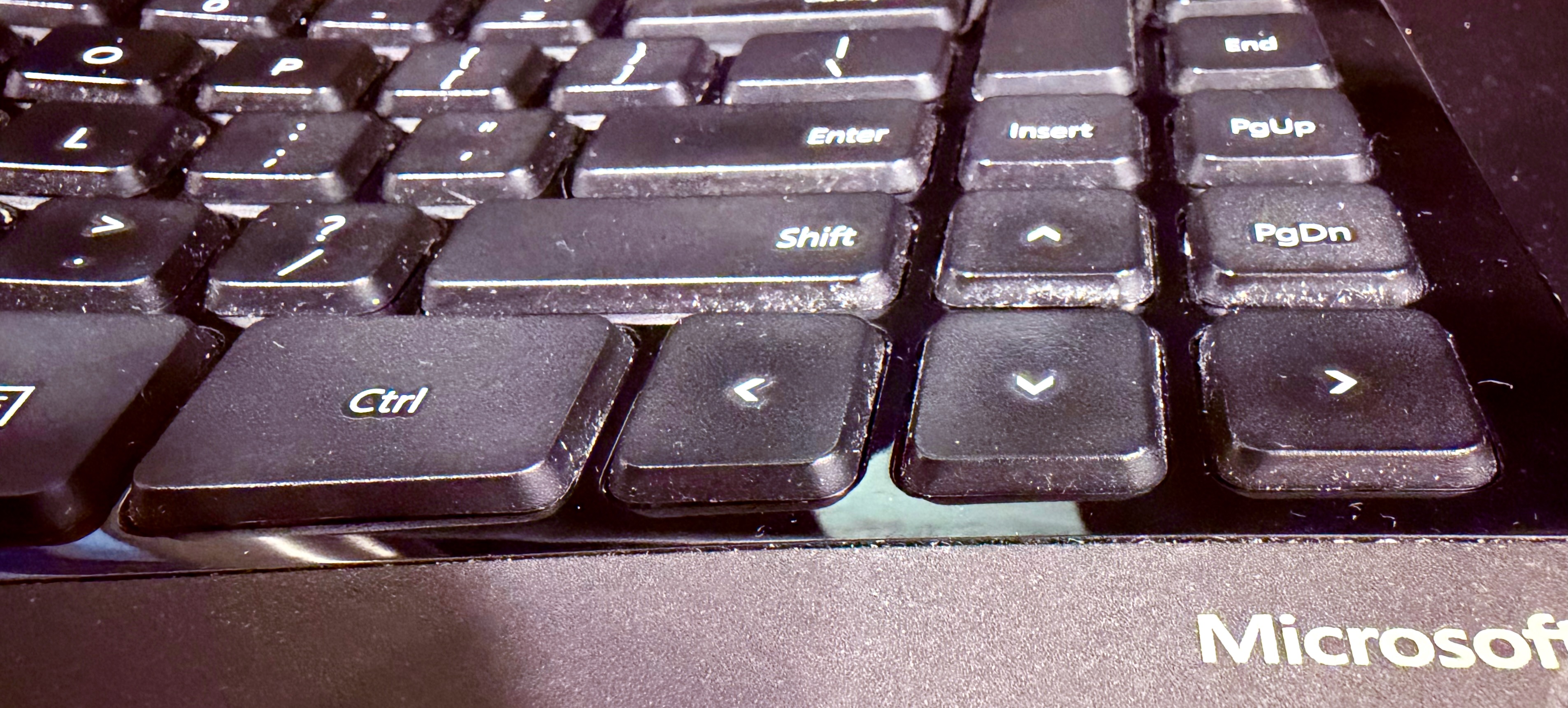
Here’s something that’s happened to me enough times that I’m writing about it:
My MS Ergo Sculpt keyboard is acting funny. It double types, or misses key strokes, adds unexpected tildes, flashes my terminal, or messes up my keyboard shortcuts, such as PasteBot’s cmd-shift-v.
In my many years of using this device I have found two solutions to the various ways my favorite keyboard acts up:
RF interference—my most common problem
Try moving the little USB dongle closer to the keyboard closer to the keyboard. Also try a regular USB-2 port if possible (i.e. not a blue-colored port, if available). Ever since I started connecting the dongle with a cheap USB extension cable, things have been great
A stuck key
I’m embarrassed to admit that each time this has happened, it’s taken me far too long to figure out. This usually happens to me when I have just cleaned my desk and wiped off my keyboard with a damp towel. The half-height function keys on this keyboard are easily jammed. Check each one to see if they are free. I seem to be really good at getting the F5 key stuck.
When one of those is jammed, my computer acts very strangely. When this happened today it took writing a quick little keylogger to figure out what was happening.
I wrote this:
#!/usr/bin/env python3

import Quartz
import sys

def key_callback(proxy, type_, event, refcon):
    if type_ == Quartz.kCGEventKeyDown:
        keycode = Quartz.CGEventGetIntegerValueField(
            event, Quartz.kCGKeyboardEventKeycode
        )

        chars = Quartz.CGEventKeyboardGetUnicodeString(event, 10, None, None)
        # chars returns tuple(count, string)
        if chars and chars[1]:
            text = chars[1]
        else:
            text = ""

        print(f"keycode={keycode} text='{text}'", flush=True)

    return event

def main():
    tap = Quartz.CGEventTapCreate(
        Quartz.kCGSessionEventTap,
        Quartz.kCGHeadInsertEventTap,
        Quartz.kCGEventTapOptionDefault,
        Quartz.CGEventMaskBit(Quartz.kCGEventKeyDown),
        key_callback,
        None,
    )

    if not tap:
        print("Failed to create event tap. Grant Accessibility permissions.", file=sys.stderr)
        sys.exit(1)

    runloop_source = Quartz.CFMachPortCreateRunLoopSource(None, tap, 0)
    Quartz.CFRunLoopAddSource(
        Quartz.CFRunLoopGetCurrent(),
        runloop_source,
        Quartz.kCFRunLoopCommonModes,
    )

    Quartz.CGEventTapEnable(tap, True)
    print("Listening for global key presses...")
    Quartz.CFRunLoopRun()

if __name__ == "__main__":
    main()
And ran it with this:
python3 -m venv .venv
source .venv/bin/activate
python -m pip install --upgrade pip
python -m pip install pyobjc-framework-Quartz
python ./keylogger.py
The first time you run it, you’ll need to approve it in Accessibility settings. Then run it again.
Then hammer the keyboard until the weirdness happens. In my case it immediately went nuts:
ckeycode=9 text='v'
vkeycode=7 text='x'
xkeycode=8 text='c'
ckeycode=9 text='v'
keycode=96 text=''
v^[[15~keycode=96 text=''
^[[15~keycode=96 text=''
^[[15~keycode=96 text=''
^[[15~keycode=96 text=''
^[[15~keycode=96 text=''
^[[15~keycode=96 text=''
^[[15~keycode=96 text=''

# ...lots of repeating, without me pressing anything
Then I looked up keycode 96 and saw it was F5. Sure enough, that key was jammed.
I was pretty close to buying a new keyboard 😮💨.